Planet
Planet Guide
Welcome to your colony!
In this guide you will find all the information needed to manage your colony efficiently.
What is a Planet?
A planet is a habitable colony that belongs to you. Each planet has:
- Resources - Produced automatically with your mines and industries
- Constructions - Buildings that improve production, defense, or manufacturing
- Shipyard - Where you manufacture your spaceships
- Research - Where you research new technologies with your personnel
- Modules - Special upgrades that amplify performance
- Shelter - Protects part of your resources and defends you from attacks
Your first planet is your capital, which cannot be conquered by other players.
Resources and Production
Your planet produces 11 types of resources that are essential for all game activities: building, researching, manufacturing ships, and trading.
Resources are produced automatically every hour through your mines (raw resources) and industries (processed resources). The higher the level of your production buildings, the more resources you will generate.
Production calculation
The total production per hour for each resource is calculated by adding several sources:
- Mines and Industries — Base production from your buildings
- Technology bonus — Bonus from your mining and industry research
- Resource modules — Bonus from the resource module installed on the planet
- Enclaves — Bonus from your alliance's enclave production module
- Citadels — Bonus from your alliance's citadel modules
- Free fleet points — Bonus for having unused fleet points
You can see the full breakdown in the Colony tab of your planet.
Universe Objects
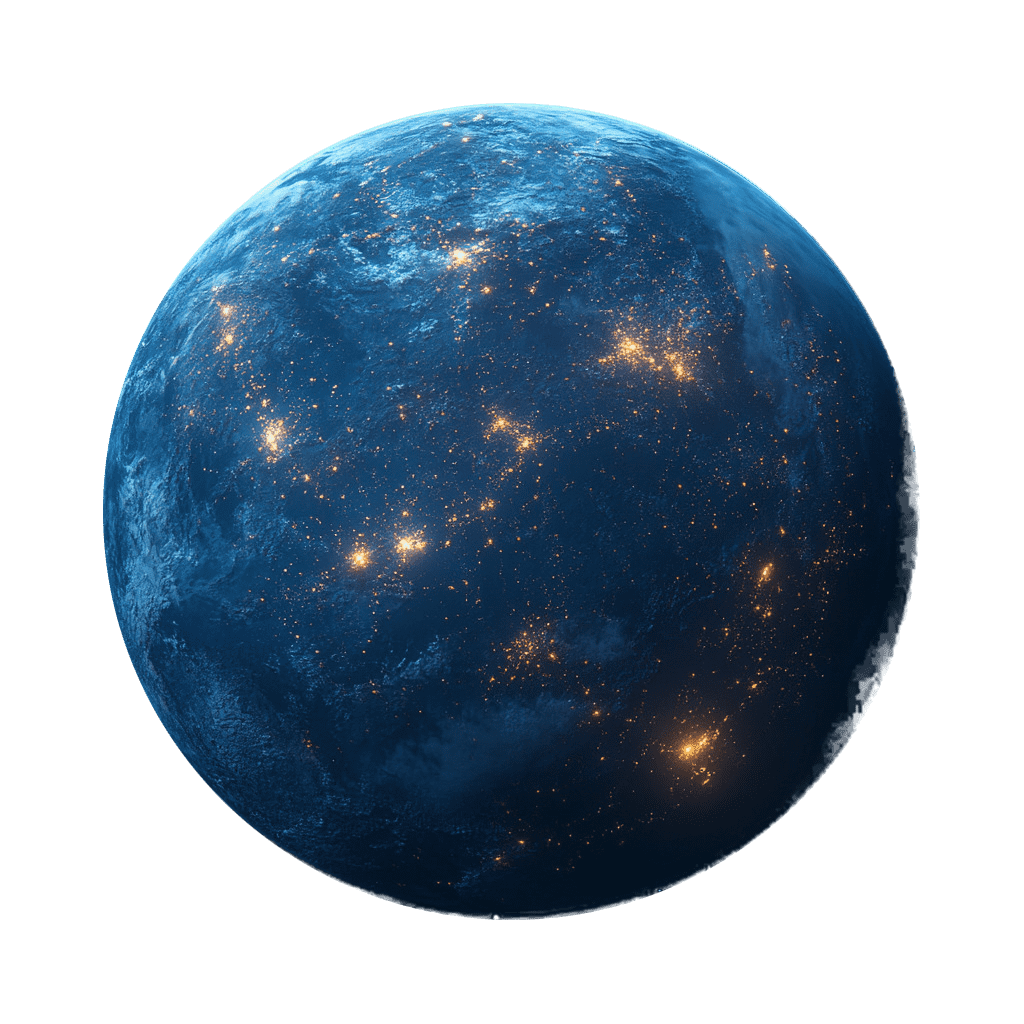
Planet
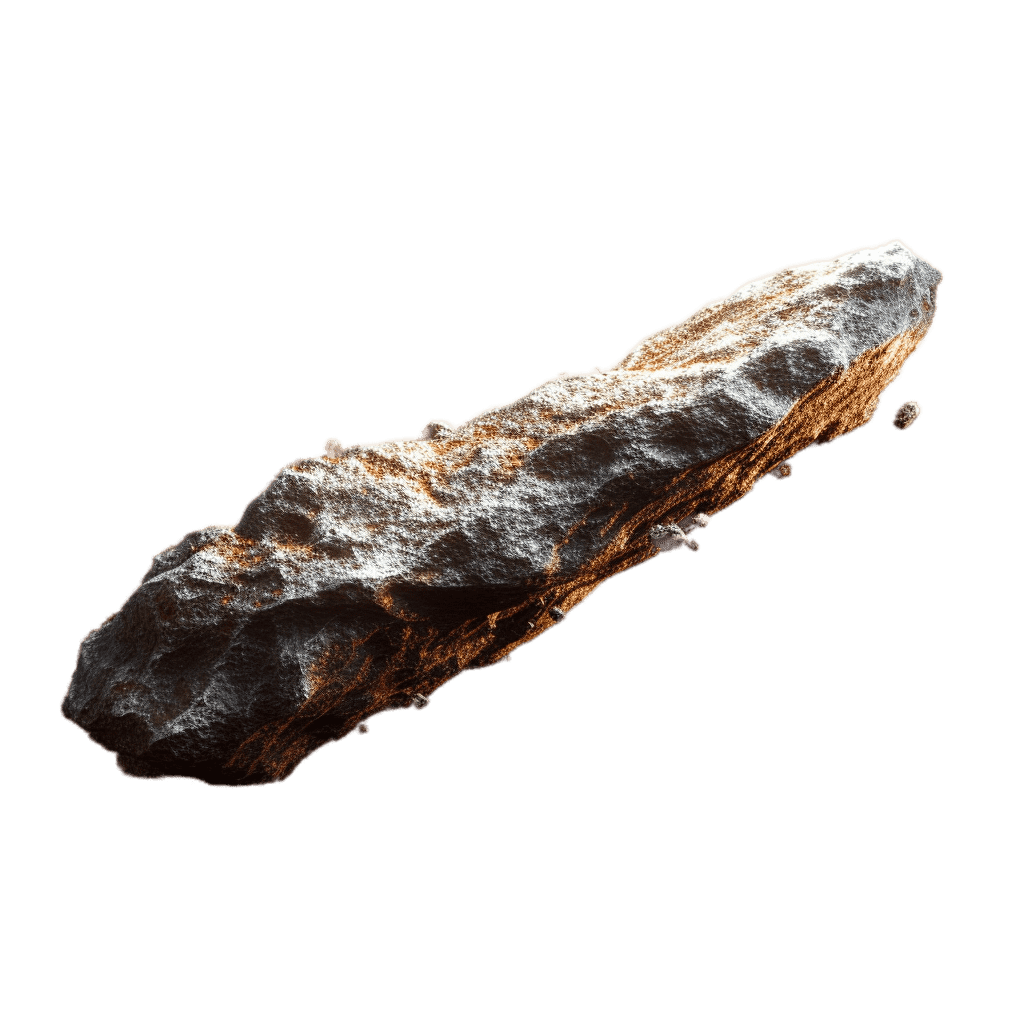
Asteroid
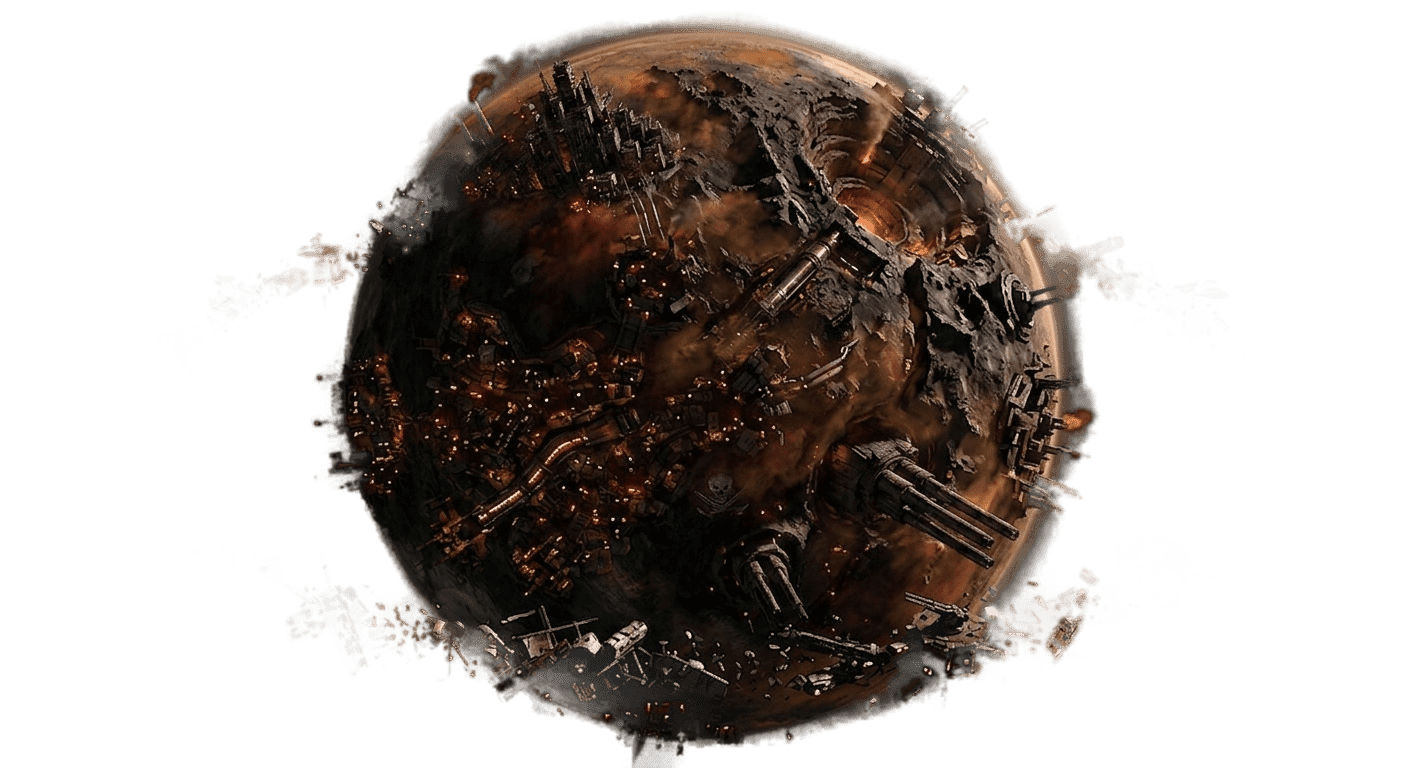
Ruins
Wormhole
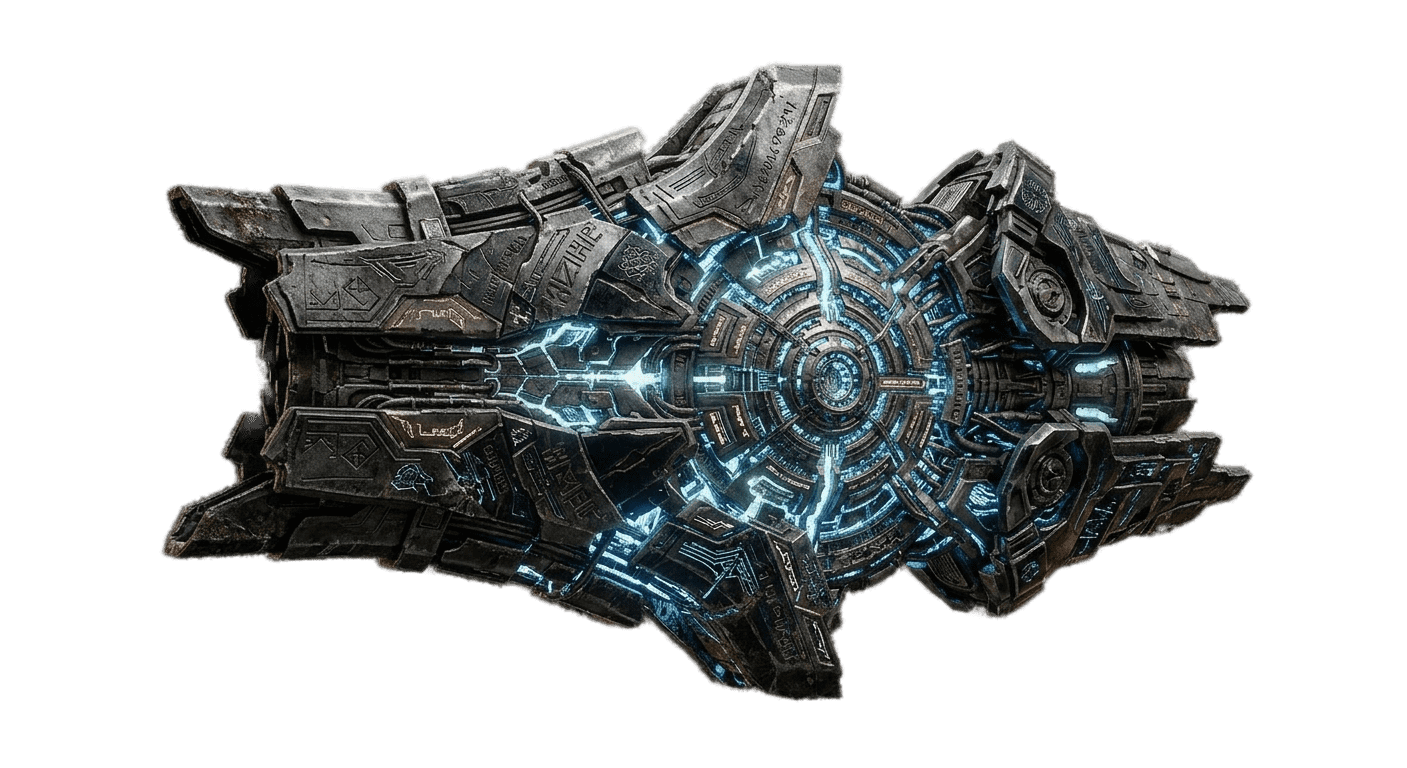
Vestigio

Sun
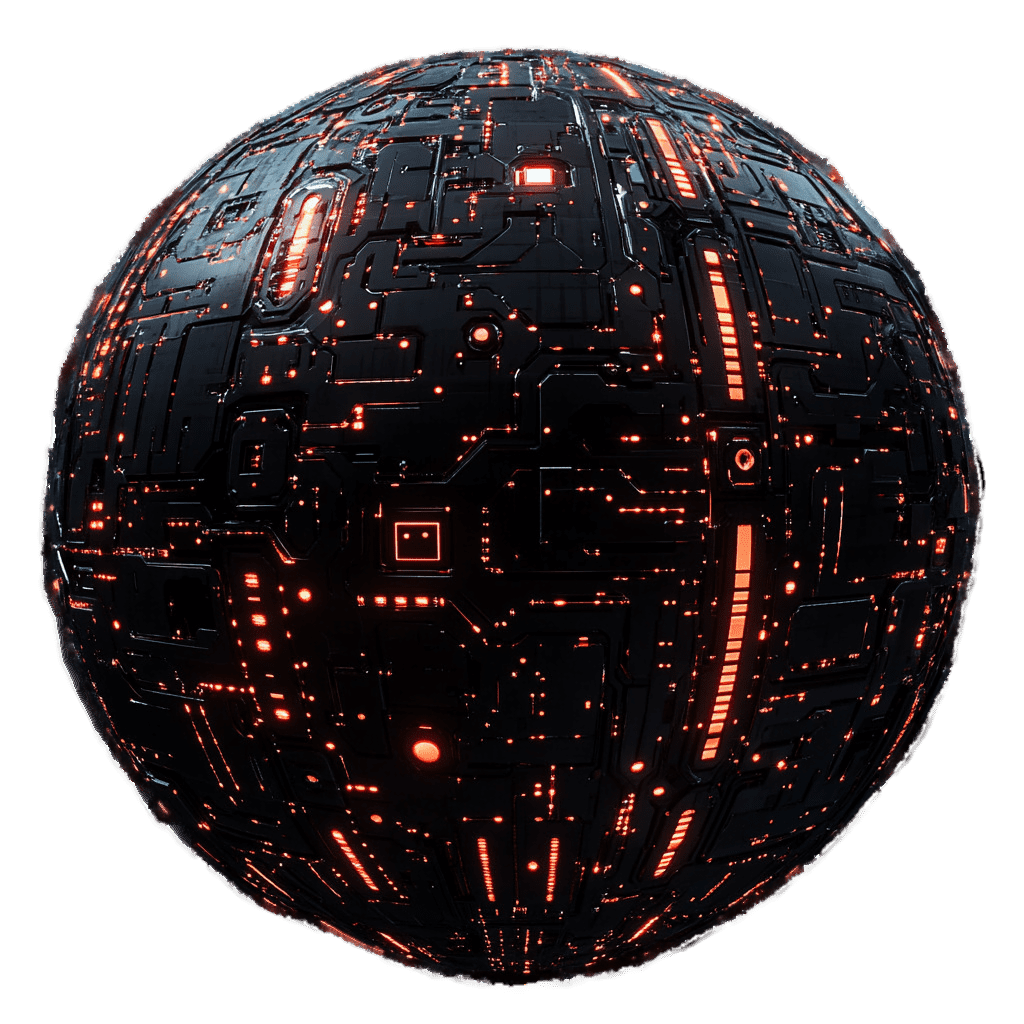
Necronexus

Pulsar
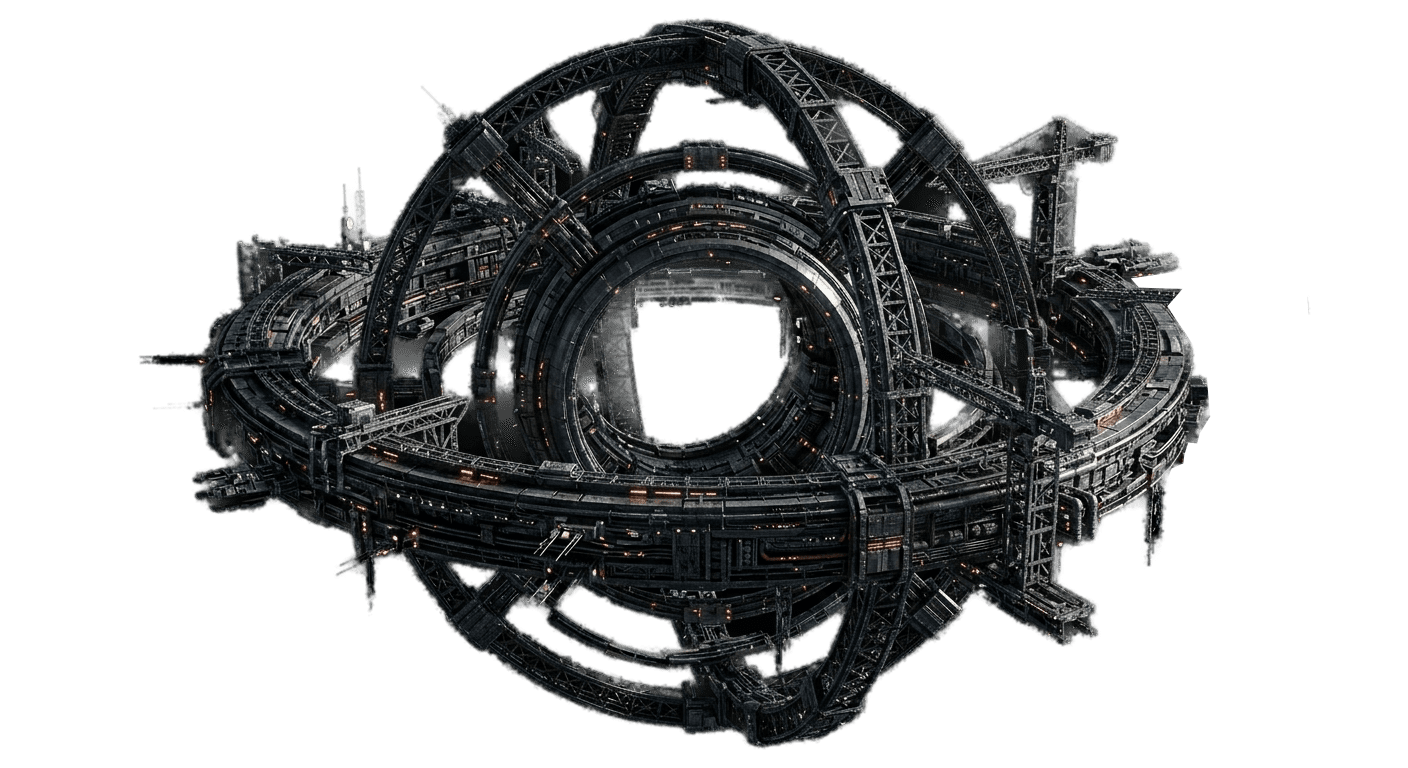
Foundation

Singularity
Space Constructions
Dyson
Wormhole
Mothership
Sector defense
Bank
Citadel
Wonder
Module System
Production
- Deep Mining — Allows mines to exceed level 100
- Heavy Industry — Allows industries to exceed level 100
- Military Expansion — Allows shipyard and shelter to exceed level 100
Defense
- Bunker — Increases shelter protection on planets
- Defense — For asteroids, dyson, wormholes, banks, and citadels
- Heavy Defense — For motherships and sector defenses
- Sector Defense — Exclusive to sector defense structures
- Mothership Inhibitor — Prevents enemy motherships from jumping into the sector
Research
Shipyard
Special
- Fleet dispatch (wormhole) — Allows teleporting fleets through artificial wormholes
- Factorial dispatch — Factorial fleet dispatch from Dyson spheres
- Mothership jump — Allows the mothership to jump to another location
- Fleet jump — Quantum jump for fleets from the mothership
- Bank modules — Credit, investment, fee reduction, alliance bank
- Enclave modules — Victory points, production, ship improvements for the alliance
Actions on your Planet
Change Vision
Advantages of occlusion:
- Your planet does not appear on the map for other players
- When spied, enemies cannot see your fleets or technologies
There is a cooldown between changes.
Move Colony
Requirements:
- No fleets outside your planet
- No enemy neighbors in the area
- The new location must be available
Transfer Colony
Transfer requirements:
- Only recently conquered planets can be transferred (within the allowed period)
- The planet must have no ships on it
- You cannot transfer your capital
- The recipient must be a member of your alliance
Destroy Colony
Warning! You will lose all buildings, ships, and resources on the planet.
You cannot destroy your capital or recently conquered planets.
Colonization and Conquest
Colonize
Requirements to colonize:
- Have enough available empire points (EP)
- Have passed the waiting time since your last colonization
- Send a fleet with cargo capacity
Conquer
Conquest process:
- Send an attack fleet to the target planet
- Defeat the defenses and defending fleets
- Exceed the minimum number of combat rounds
- The planet becomes yours if you have available EP
Destroy
This mission is only available against space constructions (Dyson Spheres, Artificial Wormholes, Motherships, Sector Defenses, Banks and Citadels). It cannot be used against planets.
Destruction process:
- Send an attack fleet to the target space construction
- Defeat the defenses and defending fleets
- If the fleet wins the battle, the construction is destroyed
- The enemy recovers the empire points the structure consumed
Planet Protection
- Capital - Your capital planet can never be conquered
- New planet - Newly colonized planets have a protection period
- Old planet - After a certain time, planets become unconquerable
You can see your planet's conquest status in the Colony tab.
Tip: Build a good shelter to protect your resources even if you lose the battle.
Empire Points
EP cost per structure:
- Visible planet — 10 EP
- Hidden planet — 10 EP + extra occlusion cost
- Module (level 1) — Fixed cost per new module
- Artificial Wormhole — 1 EP
- Dyson / Sector Defense — 2 EP
- Bank — 2 EP
- Citadel — 3 EP
- Mothership — 10 EP (equivalent to one planet)
- Wonder — 0 EP (no cost)
Tips for New Players
First steps
- Level up your mines and industries — They are the foundation of your economy. Without resources you can't do anything.
- Build a shipyard — You need ships to explore, mine, and defend yourself.
- Research technologies — They improve everything: production, ships, speed...
- Join an alliance — Allies protect you and share knowledge.
- Explore the map — Look for ruins to conquer and asteroids to mine.
- Complete weekly missions — They appear each week and give you useful rewards.
Defense
- Level up your shelter to protect resources from raids
- Don't accumulate too many resources without spending them
- Build bunker modules when you can
- Shelter defenses fully regenerate after each attack
Expansion
- Colonize new planets when you have enough empire points
- Don't conquer ruins — they're not planets, they're pirate colonies that produce limited resources
- Specialize your planets: one for ships, another for research...
- Send fleets to collect from asteroids for extra resources
Advanced Tips
Empire Points
- Keep your planets visible unless occlusion is strictly necessary — hidden ones cost extra EP
- Evaluate the EP cost of each module vs. the benefit it provides
- The most expensive space constructions in EP are motherships (100%) — plan carefully before building one
- Research Empire Administration to increase your available EP
Production
- Specialize planets by resource: install the resource module you need most on each planet
- Use deep mining, heavy industry, and military expansion to exceed level 100
- Keep free fleet points to get production bonuses on all your planets
- Build Dyson spheres as soon as possible to speed up your fleet dispatches
Defense
- Distribute bunker modules across your most valuable planets
- Build sector defenses in strategic areas (1 per player and sector, if you have a non-conquerable planet there)
- Use mothership inhibitors to prevent enemies from jumping directly into your sector
- Shelter defenses have infinite range and fire at the nearest group
- Set up behaviors so your fleets automatically react to attacks
Expansion
- Build artificial wormholes to create teleport routes between your sectors
- Motherships are costly but allow researching, manufacturing, and jumping anywhere
- Use citadels on pulsars to buff your entire alliance
- Conquer enclaves to get alliance bonuses and extra victory points
- Coordinate with your alliance to build wonders for the victory condition
Bank
Credits
Investments
Fees
Alliance Bank
Deposit
Research
Pirate Assaults
Pirate assaults are a series of pirate fleet waves that attack your position. Each assault is harder than the last, with more powerful fleets and better rewards. This is cooperative content exclusive to alliances.
- Requirements: belong to an alliance and have the alliance module installed in a Bank space construction. Access from the 'Pirate Assaults' tab on your Bank planet.
- When starting an assault, several pirate fleets are launched against your position with several hours between them. The second mission of each fleet is to orbit your position after the attack.
- If the bank from which you launch the assault has the Optimization module installed, pirate fleet power is reduced by 2.8% per level of that module (up to -28% at level 10).
- Pirate assaults do not generate debris.
- Each destroyed fleet grants rewards to all players on the winning side: components, victory points, and necroids.
- After starting an assault, your alliance advances to the next level. Defense and rewards scale progressively.